Tech · US · comparison
WiFi Extender vs. Mesh for Apartments: Which is Best for You?
Published May 27, 2026
Disclosure: This page may include affiliate links. We may earn a commission if you buy through them.
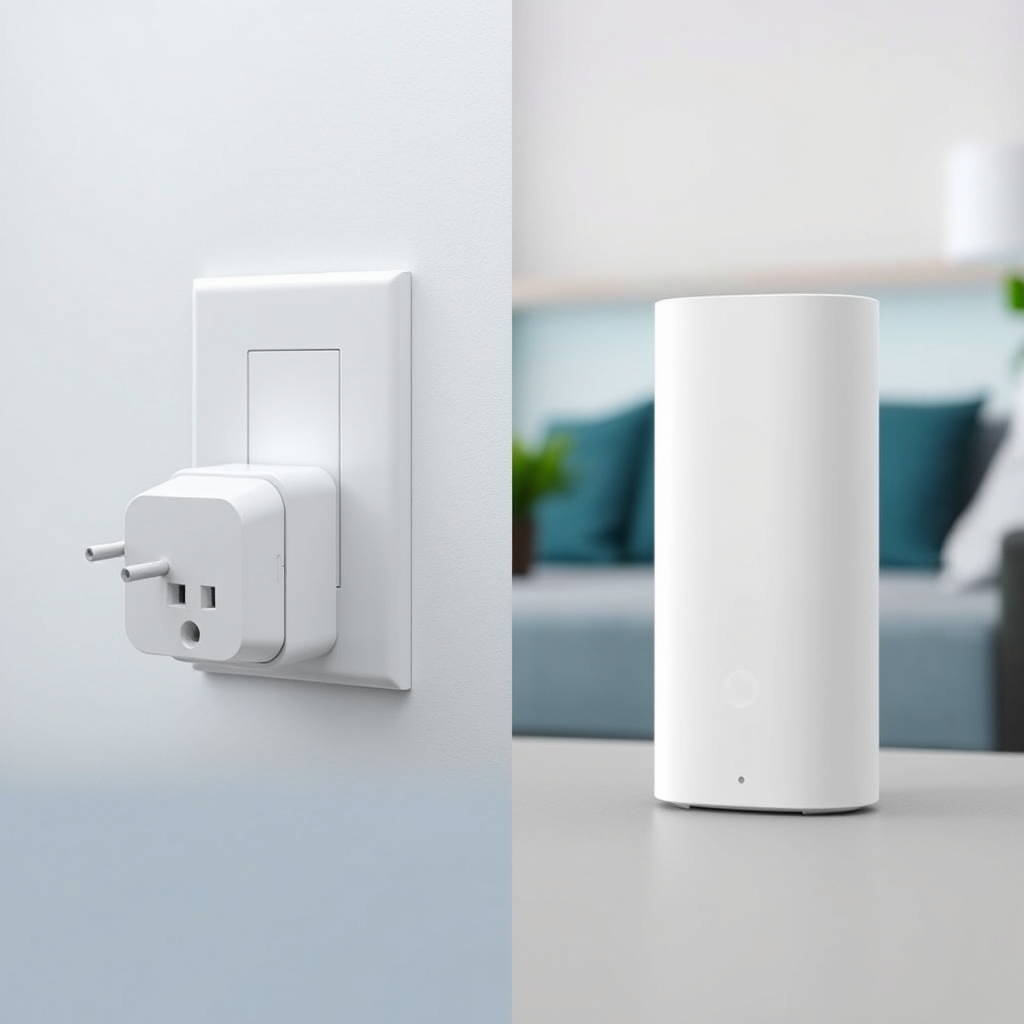
Choosing between a WiFi extender and a mesh system for your apartment involves balancing ease of setup, performance needs, and budget. While both aim to boost your wireless signal, they achieve this in fundamentally different ways. This guide will help you navigate the complexities of each, focusing on setup simplicity, to determine which solution best fits your apartment living situation.
How we compared
Our comparison focuses on the following criteria:
- Setup Complexity: How easy is it for a typical user to get the device up and running?
- Performance & Coverage: How effectively does it extend your WiFi signal and eliminate dead spots?
- Cost Tier: What is the general price range for these solutions?
- Scalability: Can the system grow with your needs?
- Integration: How well does it work with your existing router?
Comparison Table
| Option | Best for | Price Tier | Key Tradeoff | Dealbreaker |
|---|---|---|---|---|
| WiFi Extender | Simple, single-point dead spot solutions | £20 - £80 | Can halve bandwidth; manual network switching | Large apartments or multiple dead zones |
| Mesh System | Seamless coverage across the whole apartment | £150 - £500+ | Higher initial cost; potential complexity | Budget constraints or very small living spaces |
| Powerline Adapter | Bypassing thick walls with Ethernet backhaul | £40 - £120 | Dependent on wiring quality; limited mobility | Unsuitable electrical wiring; desire for mobility |
WiFi Extender
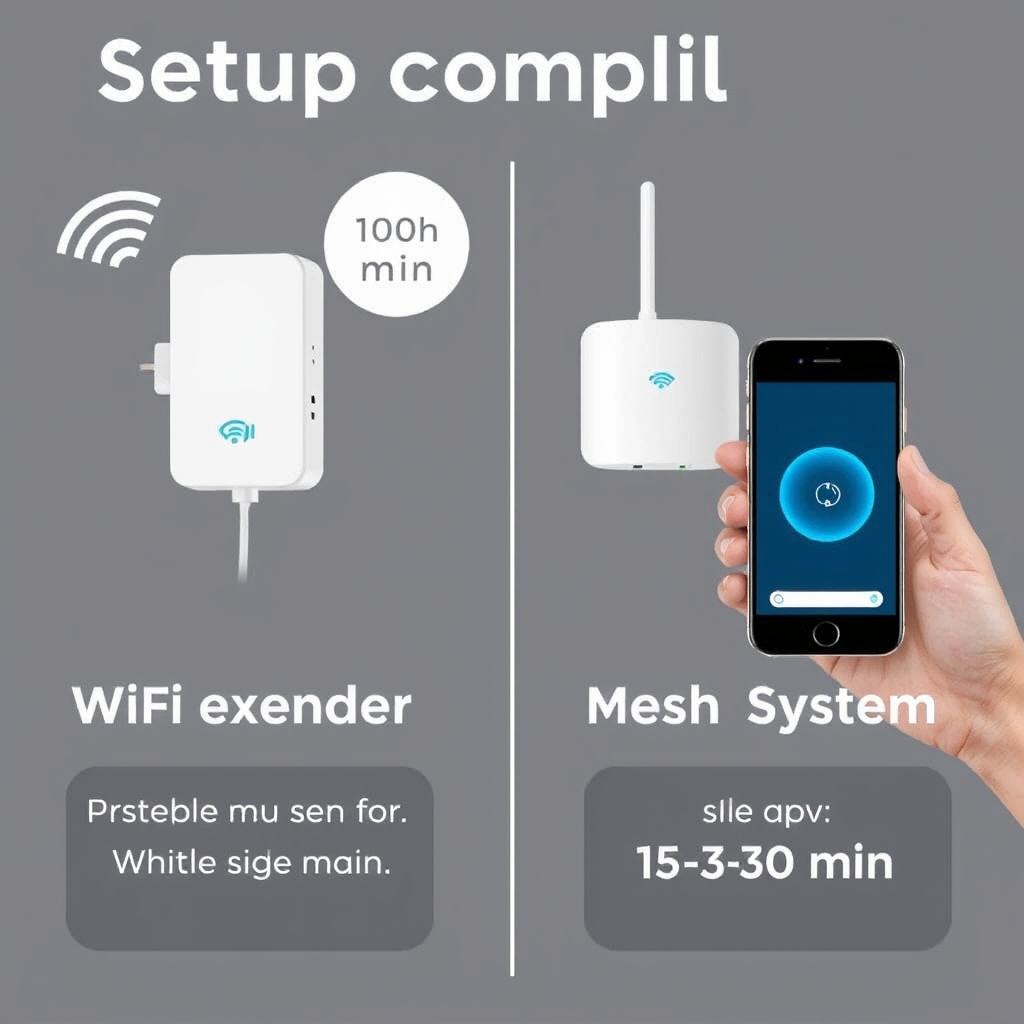
A WiFi extender, sometimes called a WiFi booster or repeater, is a standalone device that picks up your existing WiFi signal and rebroadcasts it. Think of it as a relay station for your internet. You typically place it halfway between your router and the area with a weak signal. Setup usually involves plugging it in, pressing a WPS button on both the extender and your router, or connecting to a temporary WiFi network to configure settings via a web browser or app. For many, this process is straightforward, often taking less than 10 minutes.
This solution is ideal for smaller apartments or specific areas experiencing a dead zone, such as a corner office or a particular room. If your main router is in the living room and your bedroom consistently has poor signal, an extender placed in the hallway can often resolve this. However, a significant drawback is that extenders often create a separate network name (SSID) or, if they use the same name, your devices might not seamlessly switch between the router and the extender as you move around. This can lead to dropped connections or a need for manual network selection. Furthermore, the act of repeating the signal can effectively halve your available bandwidth, impacting performance for demanding tasks like streaming high-definition video or online gaming. For apartments with thick walls or multiple rooms needing coverage, an extender might struggle to provide a robust signal throughout.
Mesh WiFi System
A mesh WiFi system replaces your existing router with a multi-unit system, typically consisting of a main router unit and one or more satellite nodes. These units work together to create a single, seamless WiFi network that covers your entire apartment. Unlike extenders, mesh systems use intelligent routing to ensure your devices connect to the strongest signal automatically, without interruption, as you move. The setup process for mesh systems has become significantly more user-friendly in recent years. Most systems are configured via a smartphone app, guiding you step-by-step through placement and connection. While it might take slightly longer than a simple extender setup – perhaps 15-30 minutes – the app-driven approach often makes it less intimidating than traditional router configuration.
Mesh systems are best suited for larger apartments or homes where WiFi dead zones are prevalent across multiple areas. They excel at providing consistent, high-speed coverage throughout the entire living space. For instance, if you have a two-bedroom apartment and experience weak signal in both the furthest bedroom and the kitchen, a mesh system with two nodes (one acting as the router, the other as a satellite) can blanket the area effectively. The primary tradeoff is the cost; mesh systems are considerably more expensive upfront than basic extenders. Another consideration is that for very small apartments, a mesh system might be overkill, offering more power and coverage than you actually need. However, the unified network name, automatic device switching, and generally superior performance make them a compelling choice for comprehensive apartment WiFi coverage.
Powerline Adapters
Powerline adapters offer a third way to extend your WiFi, using your home’s electrical wiring to transmit network data. You plug one adapter into a wall socket near your router and connect it via an Ethernet cable. The second adapter is plugged into a socket in the area where you need better WiFi, and it then broadcasts a WiFi signal (or provides an Ethernet port, depending on the model). Setup is generally simple: plug them in, and they often pair automatically. Some models may require a simple app-based configuration.
This solution is particularly effective in apartments with particularly thick walls or construction materials that significantly impede WiFi signals. By using the electrical wiring, you bypass these physical barriers. A concrete use case is extending a stable connection to a home office located on the opposite side of a large apartment from the router, especially if that office is prone to WiFi dropouts. The main tradeoff is that performance is heavily reliant on the quality and layout of your home’s electrical wiring. Older or complex wiring systems can lead to slower speeds or intermittent connections. They also offer less flexibility in terms of placement compared to wireless extenders or mesh nodes, as you’re tethered to electrical outlets.
Quick picks by scenario
- Easiest setup for one dead spot: WiFi Extender
- Seamless coverage throughout a larger apartment: Mesh WiFi System
- Overcoming thick walls or signal obstruction: Powerline Adapter
- Budget-conscious solution for a single room: WiFi Extender
Who should skip this comparison
- Those with fibre-to-the-premises (FTTP) and a single, small studio apartment: Your existing router might already provide sufficient coverage.
- Users who only need wired connections in one additional location: A simple Ethernet cable run might be more cost-effective and reliable.
FAQ
Can a WiFi extender cause more problems than it solves?
Potentially, yes. If placed incorrectly, an extender can pick up a weak signal and rebroadcast it, making the connection unstable or slower than before. They can also cause issues if your devices don’t switch networks smoothly. Careful placement and understanding their limitations are key.
Is a mesh system really worth the extra cost for an apartment?
For larger apartments (e.g., two-bedroom or more) or those with signal-blocking features like thick walls, a mesh system often justifies its cost by providing reliable, whole-apartment coverage and a seamless user experience. For smaller studios, it might be overkill.
How do I know if my apartment’s wiring is suitable for powerline adapters?
Powerline adapters work best on the same electrical circuit. Performance can degrade significantly if adapters are on different circuits or if the wiring is very old or uses surge protectors. It’s often a case of trial and error, though some manufacturers provide diagnostic tools or suggest checking with an electrician if unsure.
Do I need to turn off my existing WiFi to use an extender or mesh system?
With a WiFi extender, you might end up with two network names (SSIDs) or need to manually switch. With a mesh system, you typically replace your existing router’s WiFi, creating one unified network. Always follow the specific setup instructions for your chosen device.
What is the difference between a WiFi extender and a mesh system’s satellite node?
While both extend WiFi, a mesh satellite node is part of an integrated system that communicates intelligently with the main mesh router and other nodes to provide seamless roaming and a single network. An extender is a standalone device that simply repeats the signal, often less efficiently and without the same level of network management.
Conclusion: Making the Right Choice for Your Apartment
Ultimately, the best WiFi solution for your apartment hinges on your specific needs and living space. For straightforward, single-room dead zones and a tight budget, a WiFi extender offers a simple fix. If you’re looking for robust, uninterrupted coverage across a larger apartment and are willing to invest a bit more, a mesh WiFi system provides a superior, integrated experience. For those battling particularly stubborn signal obstructions, powerline adapters can be a surprisingly effective alternative.
Explore Other WiFi Solutions
Consider these alternatives to extend your WiFi coverage.
Editor Picks
Amazon
Shop noise cancelling earbuds on Amazon
noise cancelling earbuds
Open offerAmazon
Shop bluetooth headphones on Amazon
bluetooth headphones
Open offerAmazon
Shop wireless earbuds on Amazon
wireless earbuds
Open offerVisual Summary