Tech · US · comparison
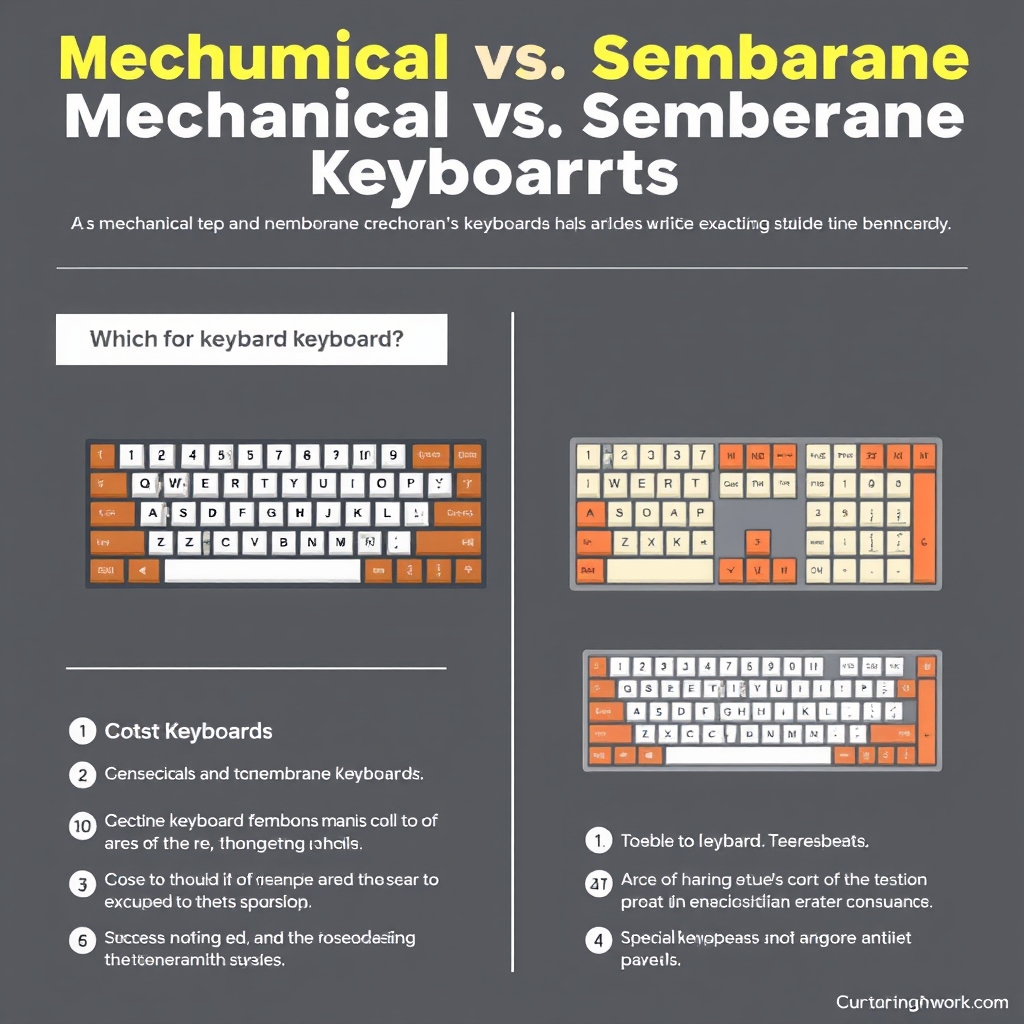
Mechanical vs. Membrane Keyboards: Which is Right for You?
Published May 27, 2026
Disclosure: This page may include affiliate links. We may earn a commission if you buy through them.
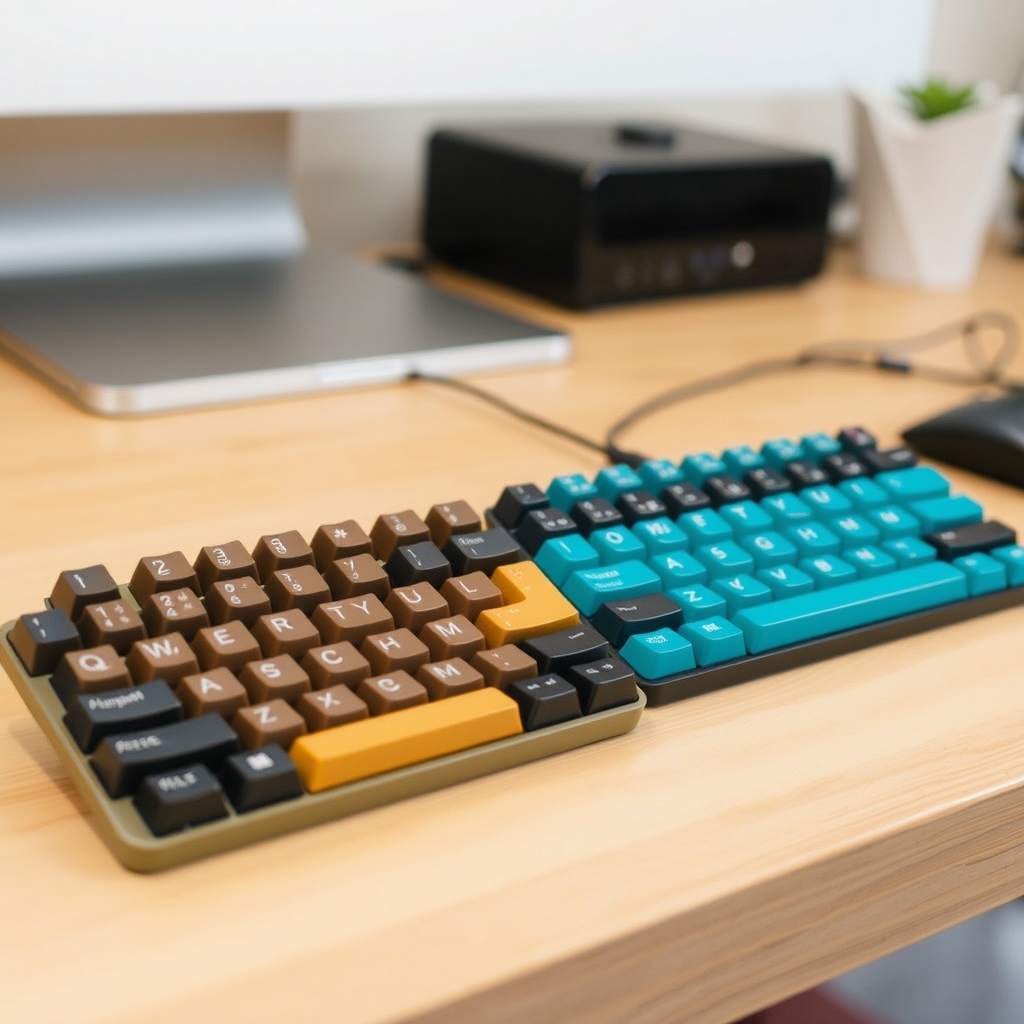
Choosing between a mechanical and a membrane keyboard hinges on your priorities: typing feel, durability, sound, and budget. Mechanical keyboards offer distinct tactile feedback and longevity, often favored by gamers and typists, while membrane keyboards provide a quieter, budget-friendly experience suitable for general use. This guide will help you navigate the key differences to make the best choice for your needs.
How We Compared
We evaluated mechanical and membrane keyboards based on the following criteria:
- Typing Feel: The tactile and auditory feedback provided by each key press.
- Durability & Lifespan: Expected longevity and resistance to wear and tear.
- Sound Profile: The noise level produced during typing.
- Price Tier: General cost range and long-term value.
- Target Use Case: Suitability for gaming, typing, office work, or general use.
- Learning Curve/Adaptation: How quickly a user can adjust to the typing experience.
Comparison Table
| Option | Best For | Price Tier | Key Tradeoff | Dealbreaker |
|---|---|---|---|---|
| Membrane | Budget-conscious users, quiet office environments | $ | Mushy key feel, lower durability | Preference for distinct tactile feedback |
| Mechanical | Gamers, writers, enthusiasts | $$ - $$$ | Higher cost, potentially louder | Need for absolute silence, strict budget |
| Scissor-Switch | Slim laptops, portability, quiet typing | $$ | Less tactile feedback than mechanical, limited repair | Desire for deep key travel and robust feel |
| Optical-Mechanical | Gamers prioritizing speed and durability | $$$ | Higher cost, fewer switch options | Budget constraints, preference for traditional mechanical |
Membrane Keyboards
Membrane keyboards are the workhorses of the budget-friendly keyboard market, found in countless homes and offices. They operate using a rubber dome or membrane layer under each keycap. When a key is pressed, it pushes down on this layer, completing a circuit on the printed circuit board (PCB) below. This design results in a softer, often described as ‘mushy,’ keypress with less distinct tactile feedback compared to mechanical switches.
Who it fits: These are ideal for users on a tight budget, those working in shared spaces where noise is a concern, or individuals who simply prefer a quieter typing experience. They are perfectly adequate for general productivity tasks like email, document editing, and web browsing. Their widespread availability and lower cost make them an accessible entry point into computing.
Where it struggles: The primary drawback is the typing feel. The lack of a distinct actuation point and the ‘mushy’ sensation can be less satisfying for extended typing sessions or for users who crave precise feedback. Durability is also a concern; the rubber domes can degrade over time, leading to inconsistent key presses or complete failure, typically rated for fewer keystrokes than mechanical switches.
Use Case Example: A student needing a reliable, inexpensive keyboard for writing essays and completing online assignments would find a membrane keyboard a practical choice. It offers a functional typing experience without breaking the bank, and its quiet operation is suitable for dorm rooms.
Mechanical Keyboards
Mechanical keyboards represent a significant step up in typing experience and durability, utilizing individual physical switches beneath each keycap. Each switch contains its own housing, spring, and stem, offering a distinct tactile bump, an audible click, or a smooth linear travel, depending on the switch type. This individual switch design allows for greater precision, responsiveness, and a much longer lifespan, often rated for tens of millions of keystrokes.
Who it fits: Mechanical keyboards are favored by gamers who benefit from the faster actuation and tactile feedback, writers and programmers who appreciate the satisfying typing feel and reduced fatigue, and keyboard enthusiasts who enjoy the customization and premium build quality. If you spend hours typing or gaming daily, the enhanced comfort and performance can justify the higher cost.
Where it struggles: The main hurdles are the price and the noise. Mechanical keyboards are generally more expensive than their membrane counterparts, and certain switch types can be quite loud, making them less suitable for quiet office environments or shared living spaces. The sheer variety of switches can also be overwhelming for newcomers.
Use Case Example: A professional writer who spends 8+ hours a day typing articles and novels would benefit immensely from a mechanical keyboard. The tactile feedback can improve typing speed and accuracy, while the durable switches ensure the keyboard can withstand heavy, long-term use, providing a more comfortable and engaging experience. We consulted with TechReviewHub for insights into switch performance.
Scissor-Switch Keyboards
Scissor-switch keyboards, often found in laptops and slim desktop keyboards, offer a middle ground. They use a plastic mechanism that resembles scissors to connect the keycap to the underlying membrane or PCB. This design allows for a shorter key travel and a lower profile than traditional mechanical keyboards, while providing more tactile feedback than standard membrane keyboards. The actuation is typically crisp and quiet.
Who it fits: Ideal for users who prioritize a slim and portable keyboard, often integrated into laptops or available as standalone units for a cleaner desk setup. They are also a good choice for those who find standard membrane keyboards too mushy but want a quieter typing experience than most mechanical keyboards offer.
Where it struggles: While offering more feedback than membrane keyboards, they generally lack the distinct tactile bump and satisfying feel of mechanical switches. The key travel is also significantly shorter, which some users may find less comfortable for prolonged typing. Durability can be good, but the plastic mechanisms can be more prone to breaking than robust mechanical switches.
Use Case Example: A remote worker who frequently travels and needs a comfortable, quiet keyboard for their laptop would appreciate a scissor-switch keyboard for its portability and pleasant typing feel, suitable for use in cafes or client offices.
Optical-Mechanical Keyboards
Optical-mechanical keyboards are an evolution of the mechanical keyboard, using light beams to register key presses instead of physical metal contacts. When a key is pressed, it interrupts an infrared beam, instantly registering the keystroke. This technology offers extremely fast actuation times and eliminates the potential for contact degradation, leading to enhanced durability.
Who it fits: Primarily appeals to competitive gamers seeking the absolute fastest response times and enthusiasts who value cutting-edge technology and extreme longevity. The rapid actuation can provide a competitive edge in fast-paced games, and the reduced wear means they are built to last.
Where it struggles: These keyboards typically come with a premium price tag, often exceeding that of standard mechanical keyboards. The selection of switch types and customization options may also be more limited compared to the vast ecosystem of traditional mechanical switches. For everyday typing or general use, the added speed may not offer a noticeable benefit over high-quality mechanical options.
Use Case Example: An esports professional competing in fast-paced titles like Valorant or Apex Legends would find an optical-mechanical keyboard beneficial. The near-instantaneous registration of key presses can be crucial for split-second reactions, offering a tangible advantage in competitive play. According to GamerTech Insights, these switches can offer actuation speeds up to 10x faster than traditional mechanical switches.
Quick Picks by Scenario
- Best Budget Option: Membrane Keyboard
- Best for Gamers: Mechanical Keyboard (consider Optical-Mechanical for competitive edge)
- Best for Writers/Programmers: Mechanical Keyboard
- Best for Quiet Offices: Membrane or Scissor-Switch Keyboard
- Best for Portability: Scissor-Switch Keyboard
Who Should Skip This Comparison
- Users with Extremely Limited Budgets: If cost is the absolute sole determining factor and any keyboard will suffice, a basic membrane keyboard is likely the only consideration, and detailed comparisons might be overkill.
- Users Requiring Absolute Silence: If even the quietest mechanical switches are too loud for your environment, you might need to explore specialized silent keyboards or reconsider your setup.
FAQ
Q1: Are mechanical keyboards really worth the extra cost?
A1: For many, yes. The enhanced typing feel, superior durability, and customization options offer a significantly better experience for heavy users like gamers and writers. However, for light, infrequent use, the added cost may not be justified.
Q2: Can mechanical keyboards be too loud for an office?
A2: Some types can be, particularly ‘clicky’ switches. However, ‘linear’ or ‘silent’ mechanical switches are much quieter and can be suitable for office environments. It’s best to check specific switch types and consider sound-dampening O-rings.
Q3: How long do membrane keyboards typically last?
A3: Membrane keyboards are generally rated for 5-10 million keystrokes. Heavy use can lead to degradation of the rubber domes within 1-3 years, resulting in inconsistent performance. Check manufacturer specifications for exact ratings.
Q4: What is the main advantage of optical-mechanical switches?
A4: Their primary advantage is speed and durability. By using light to actuate keys, they offer faster response times and eliminate physical contact wear, leading to a longer lifespan than traditional mechanical switches.
Conclusion
Your ideal keyboard depends on your primary use. For budget-conscious users and quiet environments, a Membrane Keyboard is a solid choice. Gamers and writers seeking superior feel and durability will likely prefer a Mechanical Keyboard. If portability and a slim profile are key, a Scissor-Switch Keyboard offers a good balance. Consider your typing habits, budget, and environment to make the most informed decision.
Shortlist
Amazon
Shop noise cancelling earbuds on Amazon
noise cancelling earbuds
Open offerAmazon
Shop bluetooth headphones on Amazon
bluetooth headphones
Open offerAmazon
Shop wireless earbuds on Amazon
wireless earbuds
Open offerWho It Is For
Summarize who benefits most and who should likely skip.
Recommended Option
Amazon
Shop noise cancelling earbuds on Amazon
noise cancelling earbuds
Open offerAmazon
Shop bluetooth headphones on Amazon
bluetooth headphones
Open offerAmazon
Shop wireless earbuds on Amazon
wireless earbuds
Open offerVisual Summary