Tech · US · comparison
Best External SSDs for Video Editing Laptops in the UK (2024)
Published May 25, 2026
Disclosure: This page may include affiliate links. We may earn a commission if you buy through them.
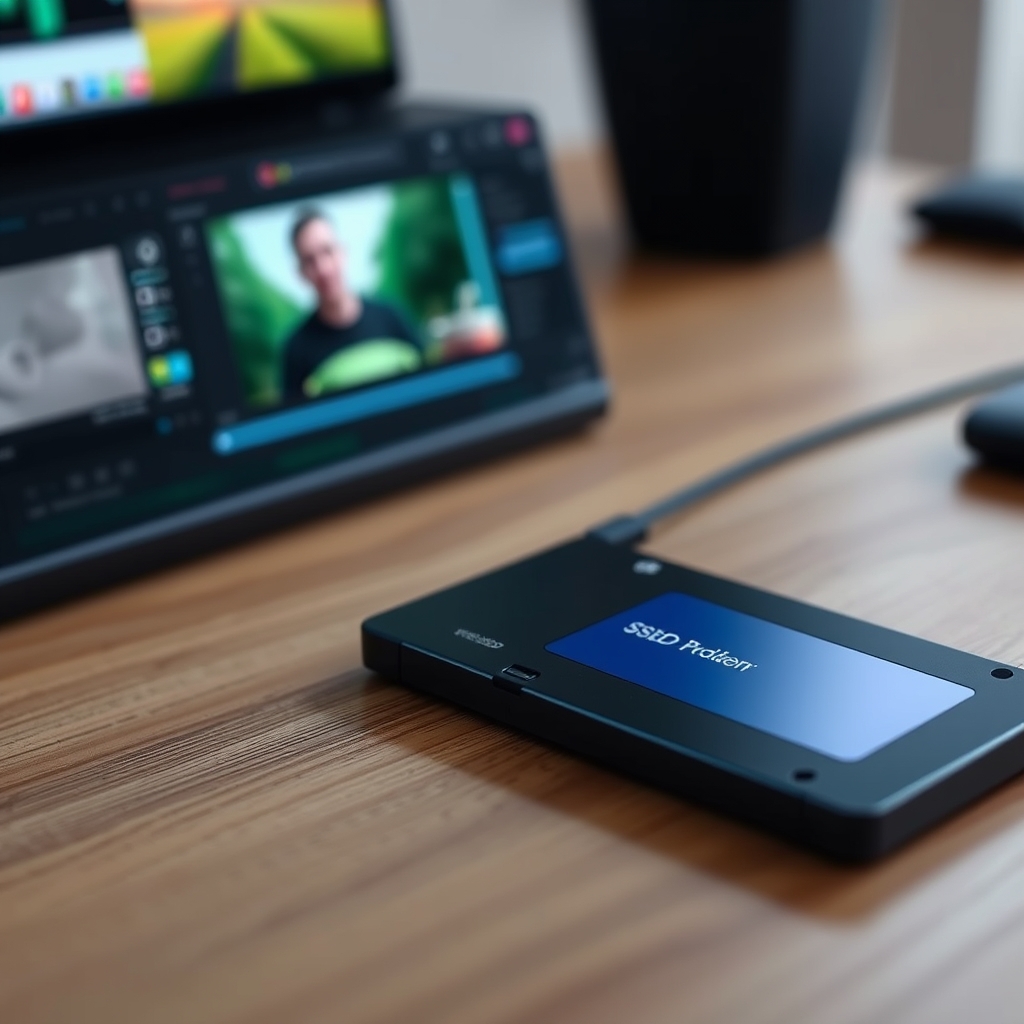
Choosing the right external SSD can significantly boost your video editing workflow on a laptop. The decision hinges on balancing speed, capacity, durability, and budget. We’ll guide you through the key factors, from understanding NVMe speeds to selecting a drive that complements your editing demands, ensuring smoother playback and faster transfers.
How We Compared
Our comparison focused on several critical criteria relevant to UK video editors:
- Speed Class: Evaluating performance based on NVMe, USB 3.2 Gen 2x2, and Thunderbolt capabilities.
- Target Use Case: Matching drive performance to specific editing tasks like 4K timeline scrubbing, large file transfers, or proxy editing.
- Durability: Assessing ruggedness for on-the-go professionals, considering water and dust resistance.
- Connectivity: Verifying compatibility with modern laptop ports, primarily USB-C and Thunderbolt 3/4.
- Price Tier: Categorising drives to align with different budget levels, from entry-level to professional.
- Key Tradeoff: Identifying the primary compromise for each drive, such as speed vs. price or durability vs. form factor.
Speed Class Comparison
| Option | Best For | Price Tier (UK) | Key Tradeoff | Dealbreaker |
|---|---|---|---|---|
| Crucial X10 Pro | High-speed 4K/8K editing, fast transfers | Premium | Requires USB 3.2 Gen 2x2 port for max speed | Lacks USB 2.0 backward compatibility |
| Samsung T7 Shield | General 4K editing, portability, durability | Mid-Range | Slower than Gen 2x2/Thunderbolt drives | Not ideal for sustained, very high-res work |
| SanDisk Extreme Portable SSD V2 | Everyday 4K editing, travel, budget-conscious | Mid-Range | Can throttle under sustained heavy loads | Limited sustained write performance |
| LaCie Rugged SSD Pro | Professional 6K/8K workflows, extreme durability | Premium | Higher cost, bulkier form factor | Overkill for basic HD editing |
| WD_BLACK P40 Game Drive | Casual editing, gaming, budget-friendly | Entry-Level | Slower sustained speeds, potential throttling | Not suitable for demanding professional use |
Crucial X10 Pro
The Crucial X10 Pro is engineered for serious video editors who demand top-tier performance. Its NVMe internals, combined with a USB 3.2 Gen 2x2 interface, unlock sequential read/write speeds of up to 2,100MB/s and 2,000MB/s respectively. This makes it exceptionally well-suited for editing high-resolution footage, such as 4K or even 8K timelines, directly from the drive. Scrubbing through complex sequences feels fluid, and transferring large project files takes a fraction of the time compared to older USB standards. Its compact, aluminium unibody design also offers a good degree of robustness. However, to achieve these headline speeds, your laptop must feature a USB 3.2 Gen 2x2 port, which is still not universally common. If your machine only has USB 3.2 Gen 2 (10Gbps) or Thunderbolt 3/4, you’ll be limited to those speeds, diminishing the drive’s primary advantage. It’s an excellent choice for editors with compatible hardware seeking maximum throughput without the bulk of traditional external drives.
Samsung T7 Shield
Samsung’s T7 Shield strikes an impressive balance between speed, durability, and portability, making it a strong contender for many video editors. It leverages NVMe technology and USB 3.2 Gen 2 (10Gbps) to deliver sequential read speeds of up to 1,050MB/s and write speeds of up to 1,000MB/s. This is more than adequate for editing 4K footage, especially if you’re working with proxies or have a reasonably powerful laptop. Its standout feature is its rugged design; it boasts IP65 rating for dust and water resistance, and a shockproof exterior capable of withstanding drops from up to 3 metres. This makes it ideal for editors who frequently work on location or travel extensively. The main limitation is that its sustained write performance can throttle under prolonged heavy use, and it won’t match the raw speed of USB 3.2 Gen 2x2 or Thunderbolt solutions. For everyday 4K editing, project backups, and general portability, the T7 Shield is a reliable and resilient option.
SanDisk Extreme Portable SSD V2
The SanDisk Extreme Portable SSD V2 is a popular choice for its blend of performance, portability, and value, particularly for those working with 4K footage. It offers sequential read speeds of up to 1,050MB/s and write speeds of up to 1,000MB/s, thanks to its NVMe internals and USB 3.2 Gen 2 interface. This provides a significant upgrade over traditional hard drives, enabling smoother playback and quicker file transfers for most 4K editing tasks. Its compact, pocket-friendly design and IP55 rating for dust and water resistance add to its appeal for mobile editors. The primary drawback is its tendency to throttle performance during extended, intensive write operations; while read speeds remain strong, sustained writes can drop considerably. This means it might not be the best fit for very long render processes or constant large file ingestion. However, for general 4K editing, on-the-go projects, and as a reliable backup drive, the SanDisk Extreme V2 offers a compelling package.
LaCie Rugged SSD Pro
For professionals tackling the most demanding video formats, the LaCie Rugged SSD Pro is a powerhouse. Equipped with Thunderbolt 3, it delivers blistering sequential read and write speeds of up to 2,800MB/s and 2,700MB/s, respectively. This level of performance is crucial for editing uncompressed 8K footage, working with high-bitrate RAW files, or managing massive datasets without bottlenecks. Its iconic orange bumper and IP67 rating ensure exceptional durability against drops, dust, and water, making it suitable for the harshest environments. The integrated Thunderbolt cable simplifies connectivity. The significant trade-off is its premium price point and larger, heavier form factor compared to other portable SSDs. It also requires a Thunderbolt 3 or 4 port on your laptop to achieve its full potential. For editors working with extremely high-resolution or uncompressed formats who need ultimate reliability and speed, the LaCie Rugged SSD Pro is a top-tier, albeit expensive, solution.
WD_BLACK P40 Game Drive SSD
The WD_BLACK P40 Game Drive SSD, while marketed towards gamers, presents a surprisingly capable and budget-friendly option for casual video editors. It utilises NVMe technology and a USB 3.2 Gen 2 (10Gbps) interface, offering sequential read speeds up to 2,000MB/s and write speeds up to 2,000MB/s. This performance is sufficient for editing HD and some 4K footage, especially if you’re not constantly pushing the drive with extremely large files or complex timelines. Its compact design and robust metallic casing offer decent durability. The main compromise is its sustained performance; like many drives in its class, it can throttle under heavy, continuous write loads, making it less ideal for professional, high-demand editing sessions. Furthermore, its gaming-centric aesthetic might not appeal to all professional users. For those on a tighter budget who primarily edit HD or lighter 4K projects, or need a fast drive for game storage that can double for occasional editing, the P40 is a viable option.
Quick Picks by Scenario
- Maximum Speed for 8K Editing: LaCie Rugged SSD Pro (requires Thunderbolt 3/4)
- Best All-Rounder for 4K Editing: Crucial X10 Pro (requires USB 3.2 Gen 2x2)
- Durable & Portable 4K Editing: Samsung T7 Shield
- Budget-Conscious 4K Editing: SanDisk Extreme Portable SSD V2
- Casual Editing & Gaming: WD_BLACK P40 Game Drive SSD
Who Should Skip This Comparison
- Users with only USB 3.0 (or older) ports: You won’t benefit from the speeds of modern external SSDs, and a high-capacity USB flash drive or a traditional external HDD might be more cost-effective for basic storage.
- Editors primarily working with offline media or very low-resolution footage: The performance gains of an external SSD may not justify the cost over a standard HDD for these specific, less demanding workflows.
FAQ
Q1: Do I really need an external SSD for video editing?
A1: For editing anything beyond basic HD footage, especially 4K and higher resolutions, an external SSD is highly recommended. It dramatically improves playback smoothness, reduces loading times, and speeds up file transfers compared to traditional HDDs or slower USB interfaces. Check current Samsung pricing for the T7 Shield.
Q2: What’s the difference between USB 3.2 Gen 2 and Gen 2x2?
A2: USB 3.2 Gen 2 offers speeds up to 10Gbps, while Gen 2x2 doubles this to 20Gbps. To achieve Gen 2x2 speeds, both your laptop’s port and the external SSD must support it. This is crucial for drives like the Crucial X10 Pro to reach their maximum potential.
Q3: How much capacity do I need?
A3: This depends heavily on your footage resolution and project complexity. For 4K editing, 1TB is a good starting point, while 2TB or more is recommended for higher resolutions (6K/8K) or extensive projects. Always factor in space for the OS and editing software on your internal drive. Check current LaCie Rugged SSD Pro capacity options.
Q4: Can I edit directly from any of these SSDs?
A4: Yes, provided your laptop has a compatible port (USB-C, Thunderbolt) and sufficient RAM/CPU power. Drives like the Crucial X10 Pro and LaCie Rugged SSD Pro are specifically designed for direct editing of high-resolution footage due to their superior speeds.
Conclusion
Selecting the best external SSD for your video editing laptop involves aligning drive capabilities with your specific workflow and hardware. For peak performance with compatible ports, the Crucial X10 Pro or LaCie Rugged SSD Pro are excellent choices. If durability and portability are paramount for 4K work, the Samsung T7 Shield stands out. For budget-conscious 4K editing, the SanDisk Extreme Portable SSD V2 offers great value. Consider your laptop’s ports and your editing demands to make the most informed decision for a smoother editing experience.
Shortlist
Amazon
Shop portable external SSDs on Amazon
external ssd
Open offerAmazon
Shop noise cancelling earbuds on Amazon
noise cancelling earbuds
Open offerAmazon
Shop bluetooth headphones on Amazon
bluetooth headphones
Open offerWho It Is For
Summarize who benefits most and who should likely skip.
Recommended Option
Amazon
Shop portable external SSDs on Amazon
external ssd
Open offerAmazon
Shop noise cancelling earbuds on Amazon
noise cancelling earbuds
Open offerAmazon
Shop bluetooth headphones on Amazon
bluetooth headphones
Open offerVisual Summary