Tech · US · comparison
Best Webcams for Streaming Under $80: Top Picks for Quality & Budget
Published May 27, 2026
Disclosure: This page may include affiliate links. We may earn a commission if you buy through them.
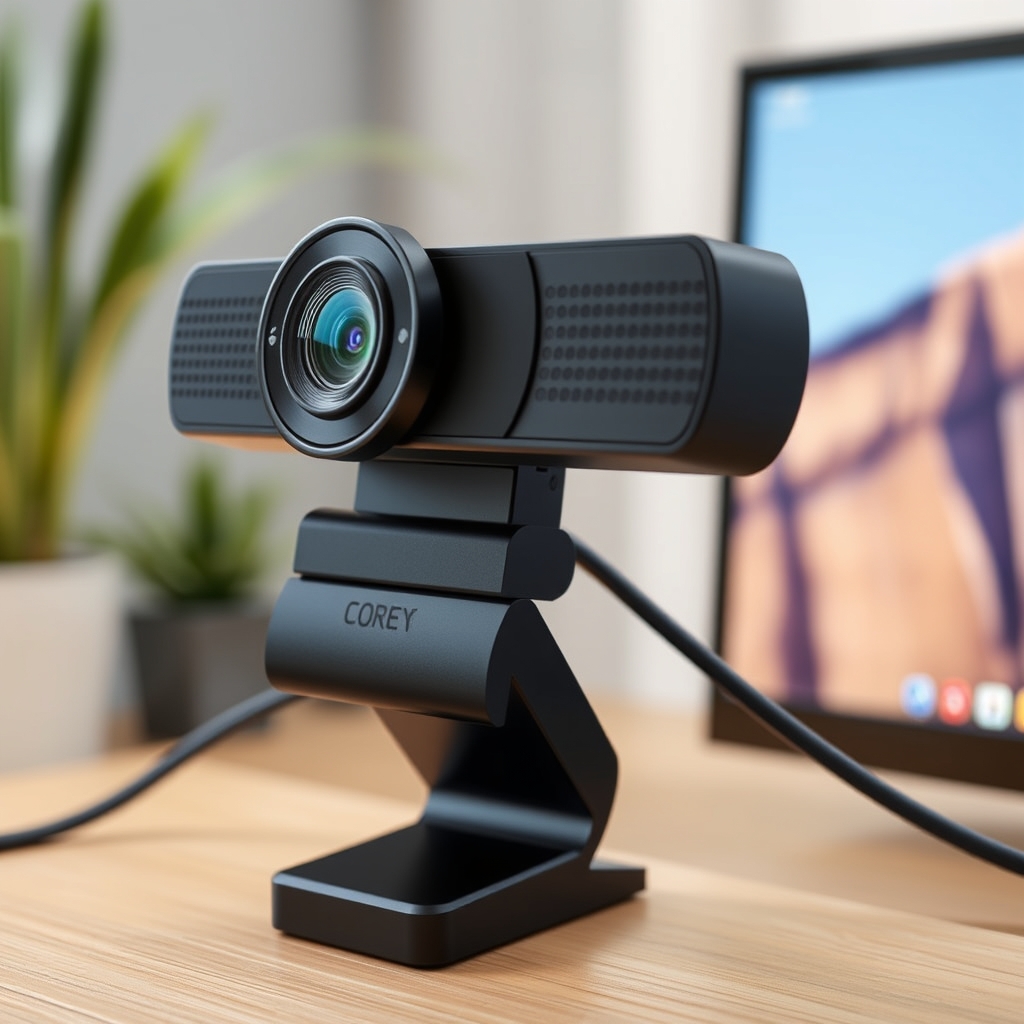
Choosing the right webcam is crucial for streamers aiming for a professional look without breaking the bank. This guide focuses on webcams under $80, evaluating them on sensor size, low-light performance, autofocus reliability, and built-in microphone quality. We’ll help you find a solid option that integrates smoothly with OBS for your streaming needs.
How We Compared
Our comparison prioritizes webcams that offer the best balance of features for streamers operating within a strict budget. We evaluated each option based on:
- Price Tier: Strictly under $80 USD.
- Sensor Size: Larger sensors generally perform better in varied lighting.
- Low-Light Handling: Crucial for streamers whose setups aren’t perfectly lit.
- Autofocus: The ability to maintain a sharp image without manual adjustment.
- Microphone Quality: Assessing the clarity and usability of the built-in mic.
- OBS Compatibility: Ensuring plug-and-play functionality with the most popular streaming software.
- Key Tradeoff: Identifying the primary compromise for each model.
- Dealbreaker: Highlighting a significant limitation that might disqualify a webcam for some users.
Top Webcam Comparisons (Under $80)
| Option | Best For | Price Tier | Key Tradeoff | Dealbreaker |
|---|---|---|---|---|
| Logitech C920s HD Pro | All-around streaming quality on a budget | $60-$80 | Average low-light performance | Integrated mic can be noisy in quiet rooms |
| Razer Kiyo | Streamers needing integrated lighting | $70-$80 | Ring light brightness is fixed | Autofocus can hunt in low light |
| Anker PowerConf C200 | Clear audio and sharp image in good light | $60-$70 | Less impressive in very low-light conditions | Limited software customization options |
| NexiGo N60 | Absolute budget entry-level streaming | $40-$50 | Basic image quality, struggles in low light | Autofocus is less reliable than pricier models |
Logitech C920s HD Pro
The Logitech C920s HD Pro remains a go-to recommendation for many streamers on a budget, and for good reason. It consistently delivers a sharp 1080p image that looks professional enough for most platforms. Its sensor size, while not groundbreaking, is adequate for well-lit environments, producing vibrant colors and good detail. The autofocus system is generally reliable, keeping you in sharp focus even as you move slightly. While the built-in microphones are serviceable for casual use or as a backup, they tend to pick up background noise, making a dedicated microphone highly recommended for serious streamers. Its OBS compatibility is excellent, recognized instantly by the software without fuss. A concrete use case would be a beginner streamer setting up their first broadcast in a room with decent natural or artificial light, needing a reliable camera that just works.
- Who it fits: New streamers, budget-conscious creators, those with well-lit spaces.
- Where it struggles: Dimly lit rooms, noisy environments where the mic is the primary audio source.
- Concrete use case: A gamer streaming their gameplay in a home office with good overhead lighting, prioritizing a clear video feed over exceptional audio.
Razer Kiyo
The Razer Kiyo stands out with its integrated ring light, a feature rarely found in webcams under $80. This built-in illumination is a significant advantage for streamers who struggle with inconsistent lighting. The light offers multiple brightness levels, allowing you to dial in the perfect amount of fill for your face without needing a separate ring light. Image quality is generally good at 1080p, with decent color reproduction. However, the autofocus can sometimes be a bit slow to react or ‘hunt’ for focus, especially in lower light conditions or when there’s a lot of movement. The microphone quality is acceptable for basic voiceovers but, like most built-in mics, it’s not a replacement for a dedicated streaming microphone. Its OBS compatibility is straightforward. A great use case is a streamer who often broadcasts from a room with challenging or variable lighting conditions and wants a simple, all-in-one solution.
- Who it fits: Streamers with poor lighting, those seeking an all-in-one solution, gamers.
- Where it struggles: Situations requiring very fast autofocus, users who need studio-grade audio from the webcam mic.
- Concrete use case: A cosplayer streaming their crafting process in a basement room with only a single desk lamp, using the Kiyo’s ring light to ensure their face is well-lit and clear.
Anker PowerConf C200
The Anker PowerConf C200 aims to provide a sharp visual experience with a focus on clarity, particularly in well-lit conditions. It boasts a 2K sensor, though it typically outputs at 1080p for streaming, which allows for some digital zoom or cropping flexibility. The autofocus is generally quick and accurate in good lighting, ensuring your face remains crisp. Its standout feature is the AI-powered noise-canceling microphone, which does a commendable job of isolating voice from background chatter, making it one of the better built-in mic options in this price bracket. However, its low-light performance is not as strong as some competitors, with image noise becoming more apparent in dimmer settings. It’s fully compatible with OBS. A good scenario is a streamer who prioritizes clear audio from their webcam and broadcasts from a consistently bright room, perhaps a home office or studio.
- Who it fits: Streamers prioritizing clear built-in audio, those with well-lit streaming spaces, remote workers.
- Where it struggles: Very dark environments, users needing extensive software control over image settings.
- Concrete use case: A professional giving online workshops from a home office with bright, consistent lighting, relying on the C200’s microphone for clear communication.
NexiGo N60
The NexiGo N60 is an attractive option for those on the tightest budgets, offering 1080p resolution at a price point that’s hard to beat. It provides a basic but functional streaming experience. The image quality is decent in good lighting, though it lacks the fine detail and color accuracy of more expensive models. Its autofocus is present but can be less precise and more prone to hunting than higher-end webcams, sometimes requiring manual intervention or a stable position. The built-in microphone is very basic; it will pick up your voice, but expect significant background noise and a lack of richness. OBS compatibility is standard plug-and-play. This webcam is best suited for someone just starting out who needs a functional camera to get their stream live without a significant investment. A practical use case is a student testing the waters of streaming their gaming sessions or study streams on a very limited budget.
- Who it fits: Absolute beginners, streamers with extremely tight budgets, secondary camera needs.
- Where it struggles: Low-light conditions, demanding autofocus scenarios, users seeking high-fidelity audio.
- Concrete use case: A teenager setting up their first Twitch channel to stream casual games, using the N60 connected to their PC with basic room lighting.
Quick Picks by Scenario
- Best All-Around Budget Pick: Logitech C920s HD Pro
- Best for Poor Lighting: Razer Kiyo (due to integrated ring light)
- Best Built-in Mic: Anker PowerConf C200
- Absolute Cheapest Option: NexiGo N60
Who Should Skip This Comparison
- Professional Studio Streamers: If you require top-tier image quality, advanced features, or broadcast-grade audio, you’ll need to look beyond the sub-$80 category and invest in higher-end equipment.
- Users Needing 4K or High Frame Rates: Webcams offering 4K resolution or high frame rates (like 60fps at 1080p) typically start at higher price points than $80.
FAQ
- Q: Do I really need a dedicated microphone if I have a webcam with a built-in mic? A: For most streaming scenarios, yes. While webcam mics have improved, they often pick up ambient noise and lack the clarity and depth of even an entry-level dedicated USB microphone. We recommend checking current pricing for popular budget USB mics.
- Q: Can these webcams work with Streamlabs OBS? A: Yes, all the webcams discussed are generally compatible with Streamlabs OBS, as it uses the same underlying capture methods as standard OBS Studio. Just ensure the webcam is recognized by your operating system first.
- Q: What does ‘sensor size’ mean for my stream quality? A: A larger image sensor (measured in fractions of an inch, e.g., 1/2.8" vs 1/3") can capture more light. This generally leads to better image quality, especially in low-light conditions, with less noise and better detail. Check manufacturer specifications for sensor details.
- Q: Is 1080p resolution enough for streaming? A: For most platforms and viewers, 1080p (1920x1080 pixels) at 30 frames per second is considered the standard for good quality streaming. Higher resolutions or frame rates require more bandwidth and processing power.
Conclusion
Finding a quality webcam under $80 involves balancing features and compromises. For a reliable all-around performer, the Logitech C920s HD Pro is a strong contender. If lighting is your main challenge, the Razer Kiyo offers a unique integrated solution. For clearer audio from the webcam itself, consider the Anker PowerConf C200. And if budget is the absolute priority, the NexiGo N60 gets you online. Choose the one that best fits your specific setup and streaming goals.
Shortlist
Amazon
Shop streaming webcams on Amazon
webcam for streaming
Open offerAmazon
Shop noise cancelling earbuds on Amazon
noise cancelling earbuds
Open offerAmazon
Shop bluetooth headphones on Amazon
bluetooth headphones
Open offerWho It Is For
Summarize who benefits most and who should likely skip.
Recommended Option
Amazon
Shop streaming webcams on Amazon
webcam for streaming
Open offerAmazon
Shop noise cancelling earbuds on Amazon
noise cancelling earbuds
Open offerAmazon
Shop bluetooth headphones on Amazon
bluetooth headphones
Open offerVisual Summary