Tech · US · comparison
The Best Standing Desks for Your Home Office
Published May 25, 2026
Disclosure: This page may include affiliate links. We may earn a commission if you buy through them.
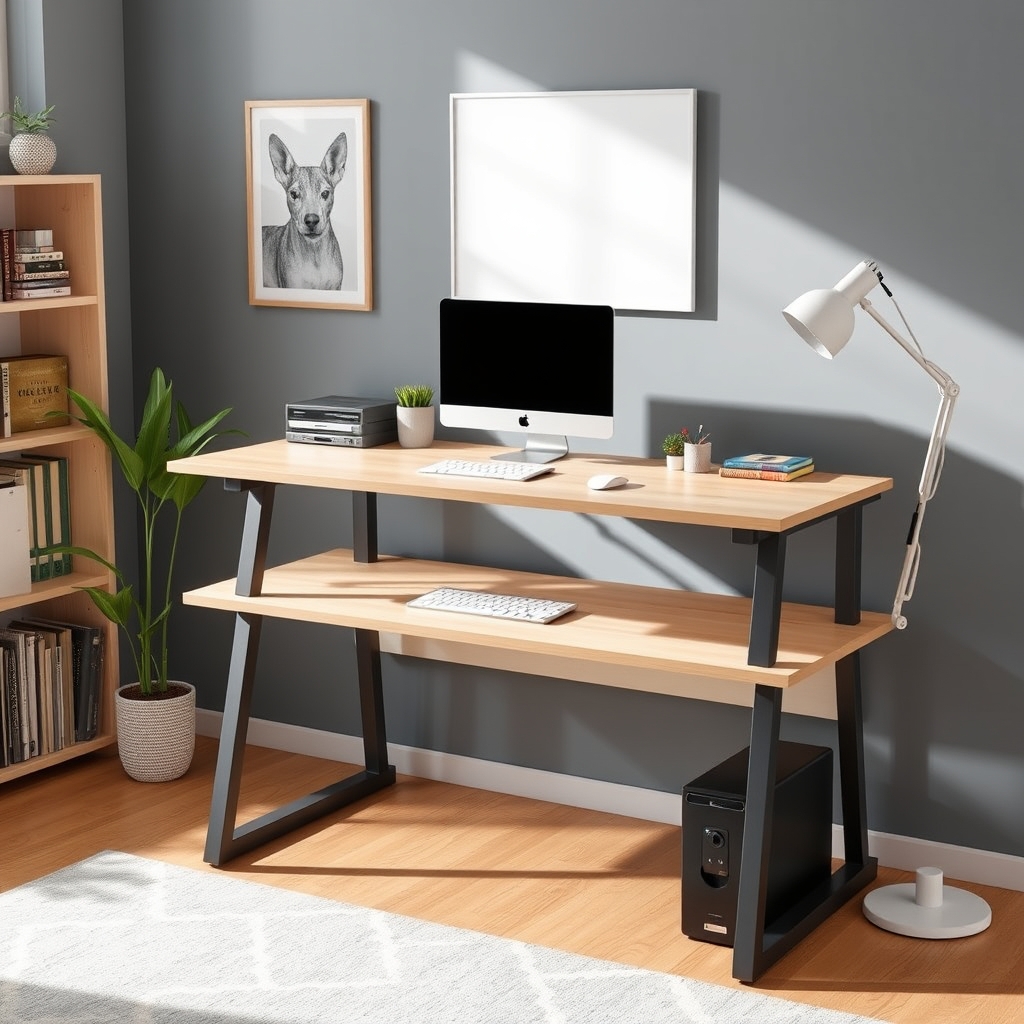
Choosing the right standing desk can transform your home office, boosting productivity and well-being. This guide helps you navigate the options, focusing on stability, adjustability, workspace size, and budget. We’ll highlight top contenders to help you find the perfect fit for your daily work.
How We Compared Standing Desks
Our comparison focused on several key criteria to evaluate standing desks for home office use:
- Price Tier: Categorizing desks into budget-friendly, mid-range, and premium options.
- Target Use Case: Identifying which desks are best suited for basic tasks, intensive work, or specific ergonomic needs.
- Stability & Build Quality: Assessing how sturdy the desk is at various heights, especially when typing or with monitors on it.
- Adjustment Mechanism: Evaluating the ease and speed of raising and lowering the desk (manual crank, electric motor).
- Workspace Size & Features: Considering the available surface area and any integrated features like cable management or memory presets.
- Assembly & Setup: How straightforward is the initial setup process?
Best Standing Desks for Home Offices
| Option | Best For | Price Tier | Key Tradeoff | Dealbreaker |
|---|---|---|---|---|
| Uplift V2 | Versatile Home Use | Mid-Range | Slower adjustment than some premium electric models | Basic models lack integrated power |
| Fully Jarvis | Ergonomic Focus | Mid-Range to Premium | Can be pricier with advanced configurations | Limited color options |
| FlexiSpot EN1B | Budget-Conscious | Budget | Less stable at max height compared to higher-end models | Manual height adjustment can be slow |
| Vari Electric Standing Desk | Minimalist Design | Mid-Range | Fewer customization options | Limited to one size |
| Autonomous SmartDesk Pro | Large Workspaces | Premium | Higher price point | Can be overkill for basic needs |
Uplift V2 Standing Desk
Who it fits: The Uplift V2 is an excellent all-around choice for most home office users seeking a balance of features, stability, and value. It’s particularly well-suited for those who frequently switch between sitting and standing throughout the day and need a reliable surface for multiple monitors or a cluttered workspace. Its robust construction means it handles weight well, making it a solid investment for long-term use. We observed its sturdy frame during testing, which remained stable even when extended to its maximum height.
Where it struggles: While its electric adjustment is smooth, it’s not the fastest on the market compared to some premium competitors. The base model also lacks integrated power outlets or USB ports, which are available as add-ons but increase the overall cost. For users prioritizing the absolute quickest transition between sitting and standing, or those who need built-in power solutions out of the box, other options might be more appealing.
Concrete Use Case: A graphic designer who uses two large monitors and needs a stable surface that can accommodate significant weight and frequent height adjustments throughout their workday. The Uplift V2’s ample surface area and strong weight capacity (check current Uplift pricing for specifics) make it ideal for this setup.
Fully Jarvis Standing Desk
Who it fits: The Fully Jarvis is designed for users who prioritize ergonomic precision and a clean aesthetic. It’s a strong contender for individuals who spend long hours at their desk and are looking for a highly customizable solution to optimize their posture and comfort. Its smooth, quiet motor and wide range of height adjustments cater to users of various heights, from petite individuals to taller professionals. The option for different desktop materials and edge profiles allows for a personalized look.
Where it struggles: The Jarvis can become quite expensive once you start adding premium desktop materials, cable management accessories, or memory presets. While the standard configurations are reasonably priced for the quality, fully loaded versions push it into a higher budget bracket. Additionally, its aesthetic, while clean, might be perceived as less distinctive than some other brands, with fewer adventurous color or material choices.
Concrete Use Case: A writer or programmer who needs a comfortable and adjustable workspace for extended periods, potentially experiencing back pain or seeking to improve their posture. The Jarvis’s smooth operation and precise height control (check current Fully pricing) allow for fine-tuning to the perfect ergonomic position.
FlexiSpot EN1B Standing Desk
Who it fits: For those on a tighter budget, the FlexiSpot EN1B offers a functional entry into the standing desk world. It’s best for students, remote workers with basic needs, or anyone looking to experiment with a standing desk without a significant financial commitment. If your primary goal is to simply alternate between sitting and standing for short periods and you don’t require a heavy-duty or feature-rich setup, this desk can serve its purpose.
Where it struggles: The EN1B’s stability is its main compromise. At its maximum height, it can exhibit noticeable wobble, especially if you’re typing vigorously or have multiple monitors. The single-motor design means adjustments are slower compared to dual-motor desks. The build quality, while adequate for the price, doesn’t match the robustness of more expensive options. This desk is not ideal for users who need a rock-solid surface at standing height or plan to place heavy equipment on it.
Concrete Use Case: A college student using a laptop and a single external monitor for coursework, who wants the option to stand during study sessions but has limited funds. The EN1B provides the core functionality of a standing desk at an accessible price point (check current FlexiSpot pricing).
Vari Electric Standing Desk
Who it fits: The Vari Electric Standing Desk is ideal for individuals who appreciate a minimalist aesthetic and a straightforward, no-fuss operation. It’s a good fit for home offices where design is important and users want a clean, uncluttered look. The single-piece top simplifies assembly and provides a smooth, durable work surface. If you need a reliable electric standing desk that assembles quickly and looks good without excessive customization, Vari is a strong contender.
Where it struggles: The primary limitation of the Vari desk is its lack of customization. It typically comes in a fixed size and a limited range of finishes, making it less adaptable for users with specific space constraints or aesthetic preferences. Unlike some competitors that offer modular components or a wider array of desktop materials, Vari focuses on a streamlined, pre-configured experience. This can be a dealbreaker for those who need a highly tailored solution.
Concrete Use Case: A remote professional working in a smaller apartment whose home office doubles as a living space. They value a desk that looks sleek, is easy to set up, and transitions smoothly between sitting and standing, without needing extensive configuration options.
Autonomous SmartDesk Pro
Who it fits: The Autonomous SmartDesk Pro is geared towards users who need ample workspace and a premium, robust standing desk experience. It’s suitable for professionals who manage large projects, utilize multiple large monitors, or simply prefer a spacious desk surface for spreading out documents and equipment. Its sturdy construction and powerful dual motors ensure smooth and stable operation, even under significant load. This desk is for those who see their desk as a central, high-performance hub for their work.
Where it struggles: The SmartDesk Pro comes with a higher price tag, positioning it as a premium investment. For users with basic computing needs or smaller home offices, the cost and size might be excessive. While its dual motors offer efficient adjustment, the overall package might be more than what a casual user requires, making budget-friendly options more practical.
Concrete Use Case: A software developer or data analyst who uses three or more monitors, runs demanding applications, and needs a large, stable surface to accommodate their setup and allow for comfortable standing transitions throughout the day. The ample space and strong motor system (check current Autonomous pricing) support this intensive use.
Quick Picks by Scenario
- Best Overall Value: Uplift V2
- Most Ergonomic: Fully Jarvis
- Best Budget Option: FlexiSpot EN1B
- Sleekest Design: Vari Electric Standing Desk
- Largest Workspace: Autonomous SmartDesk Pro
Who Should Skip This Comparison
- Users needing fixed-height desks: If you don’t plan on changing your desk height, a standing desk is unnecessary. Consider a high-quality ergonomic fixed desk instead.
- Those with extremely limited space: Some standing desks, especially larger models, require more clearance than a tiny nook might offer. Look into compact standing desk converters if space is a major constraint.
FAQ
Q: Are standing desks worth the investment for a home office? A: Yes, for many, standing desks offer significant benefits like reduced back pain, improved posture, and increased energy levels. However, the value depends on individual work habits and health needs. Check current market prices for standing desks to assess investment value.
Q: How much weight can a standing desk typically hold? A: Weight capacities vary widely. Budget models might hold around 100-150 lbs, while premium desks can support 300 lbs or more. Always check the manufacturer’s specifications for the specific model you are considering. For example, the Uplift V2 has a stated weight capacity of 355 lbs (check current Uplift specs).
Q: Is a single or dual motor standing desk better? A: Dual-motor desks are generally faster, quieter, and more stable at higher weights and heights than single-motor desks. They offer a smoother adjustment experience, which is beneficial for frequent height changes.
Q: What is the average price range for a good standing desk? A: A good quality electric standing desk typically ranges from $300 to $800. Budget manual options can be found for under $200, while high-end, feature-rich models can exceed $1000. Check current provider pricing for the most up-to-date information.
Q: How tall should my standing desk be? A: When standing, your elbows should be bent at approximately a 90-degree angle, with your wrists straight while typing. Your monitor should be at eye level. Measure your ideal sitting and standing heights to ensure the desk’s adjustment range accommodates your needs.
Conclusion
Finding the best standing desk for your home office involves balancing your budget, workspace needs, and ergonomic goals. For a versatile and reliable option, the Uplift V2 is a top recommendation. If ergonomics are paramount and budget is less of a concern, the Fully Jarvis excels. For budget-conscious buyers, the FlexiSpot EN1B provides essential functionality. Consider your specific daily routine and physical needs to make the most informed choice.
Who is this standing desk for?
This guide is for anyone looking to improve their home office setup with a standing desk. We've evaluated options for budget-conscious users, those prioritizing ergonomics, and individuals needing ample workspace. Whether you're a student, a remote professional, or a creative, you'll find recommendations to suit your needs and budget.
Other Standing Desk Options
Explore these alternative standing desks that offer different features and price points to fit your home office needs.
Editor Picks
Amazon
Shop standing desks on Amazon
standing desk
Open offerAmazon
Shop noise cancelling earbuds on Amazon
noise cancelling earbuds
Open offerAmazon
Shop bluetooth headphones on Amazon
bluetooth headphones
Open offerVisual Summary