Tech · US · comparison
Best Password Manager Family Plans UK 2024: Secure Sharing for Your Household
Published May 25, 2026
Disclosure: This page may include affiliate links. We may earn a commission if you buy through them.
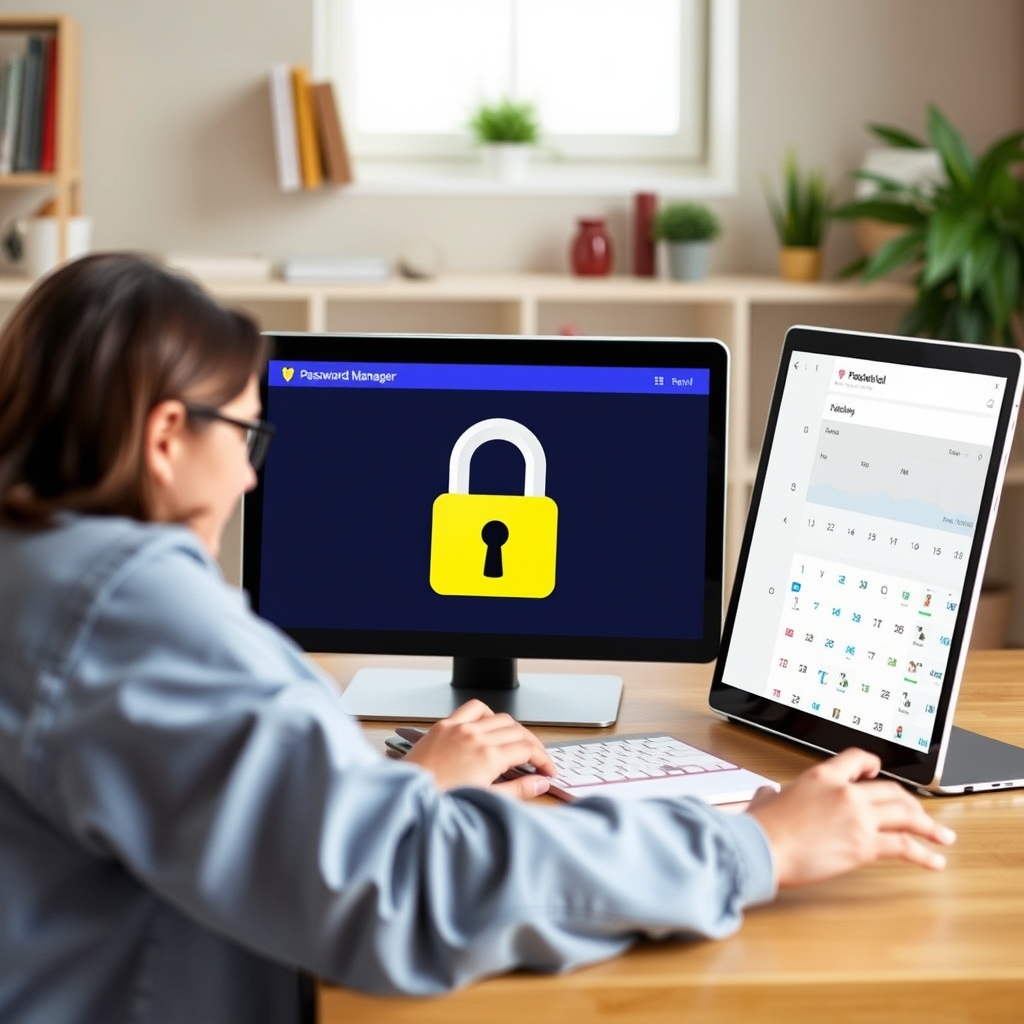
Choosing a password manager for your family is a crucial step in safeguarding your digital lives. With so many options available, it’s easy to feel overwhelmed. This guide focuses on family plans, helping you select the best option for secure sharing, robust security, and straightforward recovery. We’ll weigh factors like pricing, ease of use, and essential trust features to ensure your household’s online accounts are protected.
How We Compared Password Manager Family Plans
Our comparison centres on several key criteria to help you make an informed decision:
- Price Tier: Examining the cost relative to the features offered, with a focus on value for money for UK households.
- Target Use Case: Identifying which plans are best suited for families with young children, tech-savvy households, or those new to password management.
- Learning Curve: Assessing how easy each manager is to set up and use for all family members, regardless of technical skill.
- Trust and Recovery: Evaluating features like emergency access, account recovery options, and the provider’s security track record.
- Caveats: Highlighting any significant limitations or drawbacks of each plan.
Comparison Table: Top Password Managers for Families (UK)
| Option | Best For | Price Tier | Key Tradeoff | Dealbreaker |
|---|---|---|---|---|
| 1Password | Families prioritising advanced security and usability | Mid-to-High | Can be pricier than basic options | Limited free trial period |
| Bitwarden | Budget-conscious families seeking open-source transparency | Low | Interface can feel less polished than premium rivals | Advanced features require paid tier |
| Dashlane | Users wanting an all-in-one solution with VPN | High | Premium features come at a significant cost | VPN is a bundled extra, not a standalone feature |
| NordPass | Simplicity and ease of use for less technical users | Mid | Fewer advanced features compared to top-tier competitors | Limited free version functionality |
1Password Family
1Password’s Family plan is an excellent choice for households that value a blend of robust security and an intuitive user experience. It’s designed for families who want to manage a wide range of shared credentials, from streaming service logins to Wi-Fi passwords, without a steep learning curve. The interface is clean and accessible, making it suitable for users of all technical abilities. A standout feature is its ‘Travel Mode’, which can hide sensitive vaults when crossing borders, a unique benefit for frequent travellers. The ability to create shared vaults for specific purposes, like ‘Holiday Planning’ or ‘Home Maintenance’, adds a layer of organisation that many families will appreciate.
However, 1Password’s family plan sits at a mid-to-high price point, which might be a consideration for budget-focused households. While its security is top-notch, the free trial period is relatively short, meaning you need to be confident in your choice before committing. The core strength lies in its comprehensive security features and user-friendly design, making it a strong contender for most families.
Bitwarden Family
Bitwarden stands out for its commitment to open-source principles and its exceptionally competitive pricing, making it a compelling option for budget-conscious families. If transparency and affordability are your primary concerns, Bitwarden is hard to beat. The family plan offers unlimited password storage and sharing for up to six users at a significantly lower cost than many competitors. Its open-source nature means its code is publicly auditable, which can provide an extra layer of trust for security-minded individuals. For families who need to secure a growing number of online accounts and want a straightforward, no-frills password manager, Bitwarden delivers solid functionality.
Where Bitwarden might fall short for some is its user interface, which, while functional, can feel less polished and intuitive compared to more premium offerings like 1Password or Dashlane. Advanced features, while present, might require a bit more digging to find and configure. The key tradeoff here is that the lower price point means sacrificing some of the slickness and advanced convenience features found in pricier alternatives. For those who prioritise cost and open-source verification over a slick interface, Bitwarden is an outstanding value.
Dashlane Family
Dashlane offers a comprehensive suite of features that go beyond basic password management, positioning itself as an all-in-one digital security solution. The family plan includes not only password management for multiple users but also a VPN, dark web monitoring, and identity protection features. This makes it an attractive option for families who want to consolidate their digital security tools into a single, easy-to-manage service. The password changer feature, which can automatically update passwords on supported sites, is a significant time-saver. Its user interface is generally well-regarded for its modern design and ease of navigation, making it accessible for most users.
However, this all-inclusive approach comes at a premium price. Dashlane’s family plan is one of the more expensive options on the market. The VPN, while included, is a basic offering and might not satisfy users looking for a dedicated, high-performance VPN service. The key tradeoff is paying for a bundle of services, some of which you might not need or might prefer to source elsewhere. If you’re looking for a single provider to handle multiple aspects of your digital security and are willing to pay for the convenience, Dashlane is a strong contender. For those solely focused on password management, the cost might be prohibitive.
NordPass Family
NordPass, from the creators of NordVPN, focuses on simplicity and ease of use, making it a great entry-level option for families who might be new to password management or prefer a streamlined experience. The interface is clean, uncluttered, and intuitive, ensuring that all family members can quickly get up to speed. It offers essential features like secure password storage, sharing capabilities, and cross-platform synchronisation. For households that want a straightforward way to manage shared logins for services like Netflix or Amazon Prime without being overwhelmed by complex settings, NordPass excels. Its security is built on modern encryption standards, providing a solid foundation for protecting your credentials.
The main tradeoff with NordPass is that it offers fewer advanced features compared to some of its more established competitors. While it covers the essentials exceptionally well, users looking for extensive customisation options, detailed security reports, or niche features might find it lacking. The free version is quite limited, primarily serving as a taste of the premium offering. If your family prioritises a simple, secure, and easy-to-manage password solution above all else, NordPass is a sensible choice. However, power users might seek more advanced functionality elsewhere.
Quick Picks by Scenario
- Best Overall Security & Usability: 1Password Family
- Best Budget-Friendly Option: Bitwarden Family
- Best All-in-One Digital Security: Dashlane Family
- Easiest to Use for Beginners: NordPass Family
Who Should Skip This Comparison
- Individuals needing only basic password storage: If you’re the only user and only need to store a handful of passwords, a free, single-user plan from any provider might suffice. Family plans are overkill in this scenario.
- Organisations requiring enterprise-level security: This comparison focuses on personal and family use. Businesses with complex compliance and security needs should look at dedicated business password manager solutions.
Frequently Asked Questions (FAQs)
-
Q: What is a family password manager plan? A: A family plan allows multiple users (typically 5-6) from the same household to share a single subscription, providing each user with their own secure vault while enabling shared vaults for common credentials.
-
Q: How do family password managers handle emergency access? A: Many offer an ‘emergency access’ feature, allowing a designated trusted contact to request access to your vault in case of an emergency. This often involves a waiting period for security.
-
Q: Are family password managers secure for sharing sensitive information? A: Yes, reputable password managers use strong end-to-end encryption. Sharing is done securely within the encrypted vault, ensuring only authorised family members can access shared items.
-
Q: Can I use a family password manager on multiple devices? A: Absolutely. All recommended family plans offer cross-platform synchronisation, allowing you to access your passwords securely from desktops, laptops, smartphones, and tablets.
Conclusion
Selecting the right password manager family plan involves balancing security needs with usability and budget. For a robust, user-friendly experience that caters to most families, 1Password Family is a top recommendation. If cost is the primary driver, Bitwarden Family offers exceptional value. For those seeking an integrated suite of digital security tools, Dashlane Family is worth considering. Finally, NordPass Family provides a simple and secure entry point for less tech-savvy households. Evaluate your family’s specific needs and technical comfort levels to make the most secure choice.
Who It Is For
Summarize who benefits most and who should likely skip.
Visual Summary