Tech · US · comparison
Best Mechanical Keyboards for Programmers Under $100
Published May 23, 2026
Disclosure: This page may include affiliate links. We may earn a commission if you buy through them.
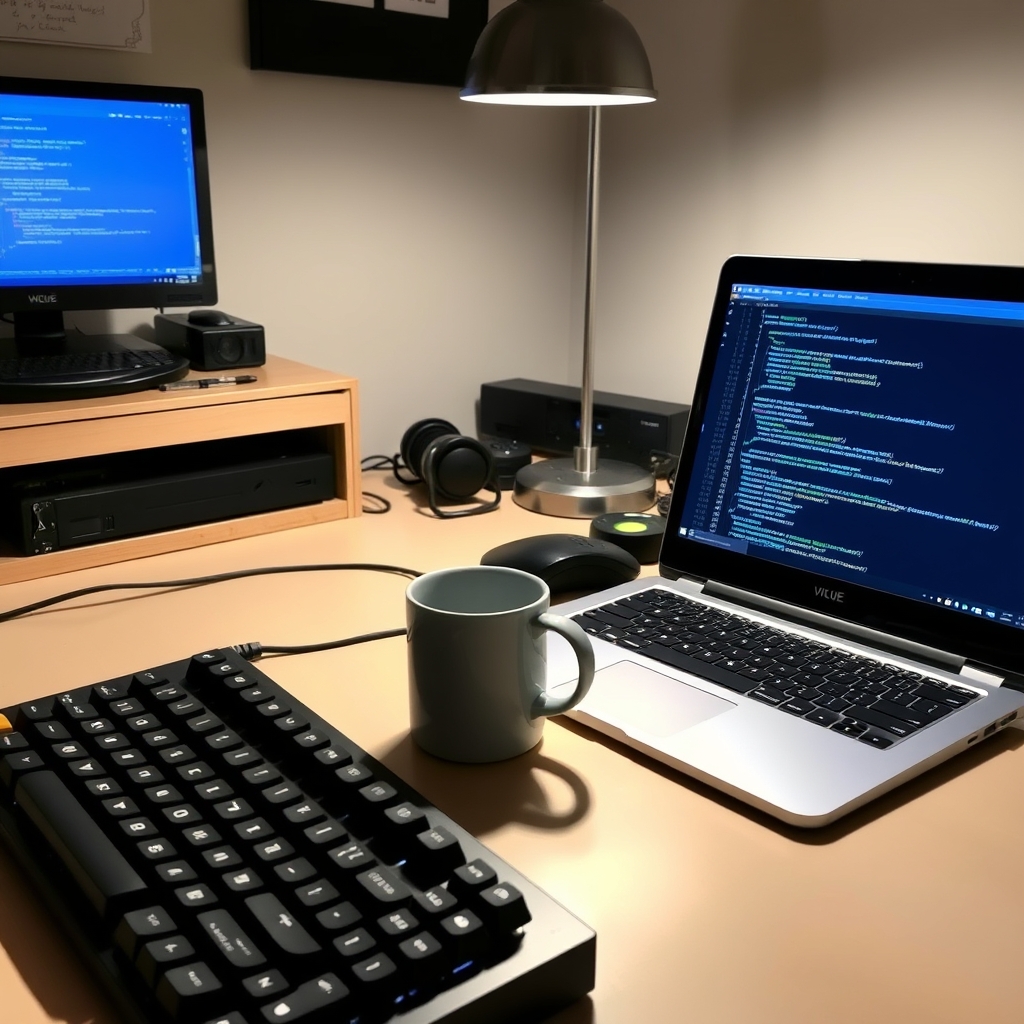
Choosing the right keyboard can significantly impact your productivity and comfort, especially for programmers who spend countless hours typing. Mechanical keyboards, known for their tactile feedback and durability, are a popular choice. This guide focuses on finding the best mechanical keyboards for programmers specifically within the $100 budget, considering factors like typing feel, build quality, and essential features for coding.
How We Compared
Our comparison focused on several key criteria relevant to programmers seeking value under $100:
- Price Tier: Strictly under $100, with a focus on options offering the best value in the $50-$100 range.
- Target Use Case: How well each keyboard suits the demands of programming, including long typing sessions and specific coding tasks.
- Typing Experience: The feel and sound of the key switches, crucial for comfort and accuracy.
- Build Quality & Durability: Ensuring the keyboard can withstand heavy daily use.
- Key Tradeoffs: Identifying the compromises made at this price point.
- Dealbreakers: Potential issues that might make a keyboard unsuitable for certain users.
Comparison Table
| Option | Best For | Price Tier | Key Tradeoff | Dealbreaker |
|---|---|---|---|---|
| Keychron C1 Pro | All-around programming, budget-conscious | $50-$75 | Stock keycaps could be better | Non-hot-swappable switches |
| Royal Kludge RK84 | Compact setups, wireless versatility | $75-$95 | Slightly higher latency in wireless mode | Limited software customization |
| Tecware Phantom+ | Budget tactile feedback, gaming-friendly | $50-$70 | Build quality feels less premium than others | Non-detachable cable |
| Redragon K552 Kumara | Extreme budget, basic mechanical feel | $30-$50 | Loud switches, basic ABS keycaps | Very basic feature set, potential QC issues |
| Epomaker SK61 | 60% layout enthusiasts, hot-swappable switches | $80-$100 | Smaller layout requires adaptation | No dedicated arrow keys without a function layer |
Keychron C1 Pro - The All-Rounder
The Keychron C1 Pro emerges as a strong contender for programmers seeking a reliable, no-frills mechanical keyboard under $100. It strikes an excellent balance between typing feel, build quality, and price. The inclusion of Gateron G Pro switches (available in red, blue, and brown variants) offers a satisfying typing experience suitable for long coding sessions. Its robust plastic construction feels solid, and the included USB-C cable adds a modern touch. For programmers who value a straightforward, dependable tool without unnecessary bells and whistles, the C1 Pro is an easy recommendation. Its tenkeyless (TKL) layout offers a good compromise between desk space and functionality, retaining the navigation cluster that many programmers find essential.
Price Point and Value: Typically found in the $50-$75 range, the C1 Pro offers exceptional value, rivaling keyboards that cost significantly more. It’s a testament to how far budget mechanical keyboards have come.
Long-tail Use Case: This is the “best budget mechanical keyboard for coding marathons,” providing comfort and reliability without breaking the bank, allowing you to focus on your code, not your keyboard.
Royal Kludge RK84 - The Compact Champion
For programmers working with limited desk space or those who appreciate a more compact setup, the Royal Kludge RK84 is a compelling option. This 75% layout keyboard manages to pack in dedicated arrow keys and a function row while maintaining a smaller footprint than a TKL. Its wireless connectivity (Bluetooth and 2.4GHz) is a significant plus for a clean desk setup. The RK84 often comes with RK’s own switches, which provide a decent typing experience, though they might not satisfy enthusiasts seeking premium switch feel. The build quality is generally good for the price, featuring a plastic case that feels sturdy enough for daily use. The hot-swappable PCB is a major advantage, allowing for easy switch customization without soldering.
Price Point and Value: Usually priced between $75-$95, the RK84 offers a good feature set for its cost, especially considering its wireless capabilities and hot-swappable nature.
Long-tail Use Case: Ideal as a “small mechanical keyboard for limited desk space programming,” it maximizes functionality in a compact form factor, perfect for minimalist workspaces or portable setups.
Tecware Phantom+ - The Tactile Tactician
The Tecware Phantom+ is a popular choice for those who want a tactile typing experience without spending too much. It typically features Outemu Brown switches, which offer a noticeable bump without being overly loud, making them suitable for many programming environments. The keyboard boasts a solid metal top plate, which adds a reassuring heft and durability that belies its budget price. It also includes RGB backlighting, which can be customized to your preference. While the keycaps are standard ABS and might develop shine over time, the overall construction is commendable for its price bracket. It’s a no-nonsense keyboard that prioritizes a good typing feel and robust build.
Price Point and Value: Often available for $50-$70, the Phantom+ delivers a strong tactile typing experience and durable build for its cost.
Long-tail Use Case: This keyboard is a great “tactile mechanical keyboard for precise coding input,” offering that satisfying feedback that helps with accuracy and reduces typing errors.
Redragon K552 Kumara - The Quiet Coder’s Choice (Budget Edition)
If your budget is extremely tight, the Redragon K552 Kumara is often one of the most affordable mechanical keyboards available. It typically uses Blue switches, which are clicky and tactile, providing audible feedback with each keystroke. While this can be satisfying for some, it’s a significant consideration for shared office spaces. The build is surprisingly sturdy for its price, featuring a metal top plate. However, the ABS keycaps are basic, and the overall typing experience is less refined than more expensive options. It’s a functional mechanical keyboard that gets the job done, but compromises are evident in the switch quality and keycap material. For programmers on a shoestring budget who need a mechanical feel, this is a viable entry point.
Price Point and Value: Typically found between $30-$50, it’s one of the cheapest ways to get a mechanical keyboard experience.
Long-tail Use Case: While not truly “quiet,” it serves as an “entry-level mechanical keyboard for programmers on a tight budget,” offering a mechanical feel at an unparalleled price point.
Epomaker SK61 - The Feature-Rich Value
The Epomaker SK61 stands out for its compact 60% layout and hot-swappable capabilities, making it a favorite among keyboard enthusiasts looking for customization on a budget. The 60% form factor eliminates the number pad, function row, and navigation cluster, resulting in a very small desk footprint. This requires a learning curve, as many functions are accessed via a Function (Fn) layer. It often comes with Gateron optical switches, known for their responsiveness and durability. The hot-swappable nature means you can easily try different switches to find your perfect typing feel without needing to solder. The build quality is generally solid, with a plastic case that feels well-constructed.
Price Point and Value: Typically priced between $80-$100, the SK61 offers hot-swappable switches and a compact layout, providing significant customization potential for the price.
Long-tail Use Case: This is the “programmable mechanical keyboard under $100 for developers” who want to experiment with different switches and enjoy a minimalist layout.
Quick Picks by Scenario
- Best Overall Value: Keychron C1 Pro
- Best for Small Desks: Royal Kludge RK84
- Best Tactile Feel on a Budget: Tecware Phantom+
- Most Customizable (under $100): Epomaker SK61
- Absolute Cheapest Mechanical: Redragon K552 Kumara
Who Should Skip This Comparison
- Users Needing a Full-Size Keyboard: If you heavily rely on a dedicated number pad for data entry or specific shortcuts, none of the compact options above will be ideal. You might need to look at full-size mechanical keyboards, which often exceed the $100 mark.
- Users Prioritizing Premium Build & Features: While these keyboards offer great value, they make compromises. If you need premium materials like aluminum cases, advanced software, or top-tier keycaps, you’ll likely need to increase your budget.
FAQ
Q1: Are mechanical keyboards actually better for programming?
Many programmers find them superior due to the tactile feedback, which can improve typing accuracy and speed, and the satisfying feel that makes long coding sessions more comfortable. However, it’s subjective, and some prefer the feel of membrane or scissor-switch keyboards.
Q2: What type of mechanical switch is best for programming?
Brown switches are often recommended as a good middle ground, offering tactile feedback without being too loud. Red switches are linear and quiet, preferred by some for smooth, fast typing. Blue switches are clicky and tactile, which some find satisfying but can be disruptive in shared environments.
Q3: Can I find a good mechanical keyboard with wireless connectivity under $100?
Yes, options like the Royal Kludge RK84 offer wireless (Bluetooth and 2.4GHz) connectivity within this price range, though they might involve slight compromises in other areas like latency or build materials compared to wired counterparts.
Q4: What does “hot-swappable” mean for a keyboard?
Hot-swappable keyboards allow you to remove and replace the switches without soldering. This makes it easy to experiment with different switch types or replace a faulty switch, significantly increasing the keyboard’s longevity and customization potential.
Q5: Are US-specific layouts important for programmers?
Most mechanical keyboards aimed at the US market will come in the standard ANSI layout (US QWERTY). This is generally preferred by US-based programmers for familiarity. Always check the product listing to confirm the layout if this is a critical factor for you.
Conclusion
Finding a great mechanical keyboard for programming under $100 is entirely achievable. For a balanced, reliable experience, the Keychron C1 Pro is our top recommendation, offering excellent typing feel and build quality. If desk space is a premium, the Royal Kludge RK84 provides a compact yet feature-rich wireless solution. For those prioritizing tactile feedback on a tighter budget, the Tecware Phantom+ is a solid choice. Ultimately, the best keyboard depends on your specific needs, whether it’s maximizing desk space, prioritizing tactile feedback, or simply getting the most value for your money.
Best Mechanical Keyboards for Programmers Under $100
Amazon
Shop mechanical keyboards on Amazon
mechanical keyboard
Open offerAmazon
Shop ergonomic mice on Amazon
ergonomic mouse
Open offerAmazon
Shop laptop stands on Amazon
laptop stand
Open offerOther Top Mechanical Keyboards for Programmers
While the Keychron C1 Pro stands out, several other excellent mechanical keyboards cater to programmers under $100, each with unique strengths. Consider these alternatives if the primary recommendation doesn't perfectly fit your needs.
More Guides for Budget Tech
Looking for more ways to save on tech essentials? Explore these related guides that can help you make informed purchasing decisions without overspending.
Visual Summary